On the day
Every souvenir, accounted for.
Build a catalog, decide who gets what, and hand them out at the venue — by QR code or by name. Every pickup is recorded against the guest who took it.
Before you start
Easy to try. Clear who's behind it.
Before you hand your wedding invitation to anyone, it's fair to want to know who you're dealing with. Here are the facts, and you can check every one of them.
A registered Indonesian company
PT. Wedivo Digital Solution in Purwokerto. Business number (NIB) 0810240004861, registered with Komdigi as an electronic system operator.
See the full company detailsPayments through Xendit
A payment provider licensed by Bank Indonesia. Pay by QRIS, bank transfer, e-wallet or card, and your payment details never reach us.
Pay once, no subscription
One plan covers one wedding. If money leaves your account but the plan never switches on, you get all of it back.
Read the refund policyLook first, sign up later
Every design opens on your phone without an account, and the full invitation is free: RSVP, wishes, gallery, map and music.
Browse the designs
Still unsure?
Ask us first, about a design, a plan, or paying.
The guest already has a code — it was on their check-in confirmation.
Siti Nurhaliza
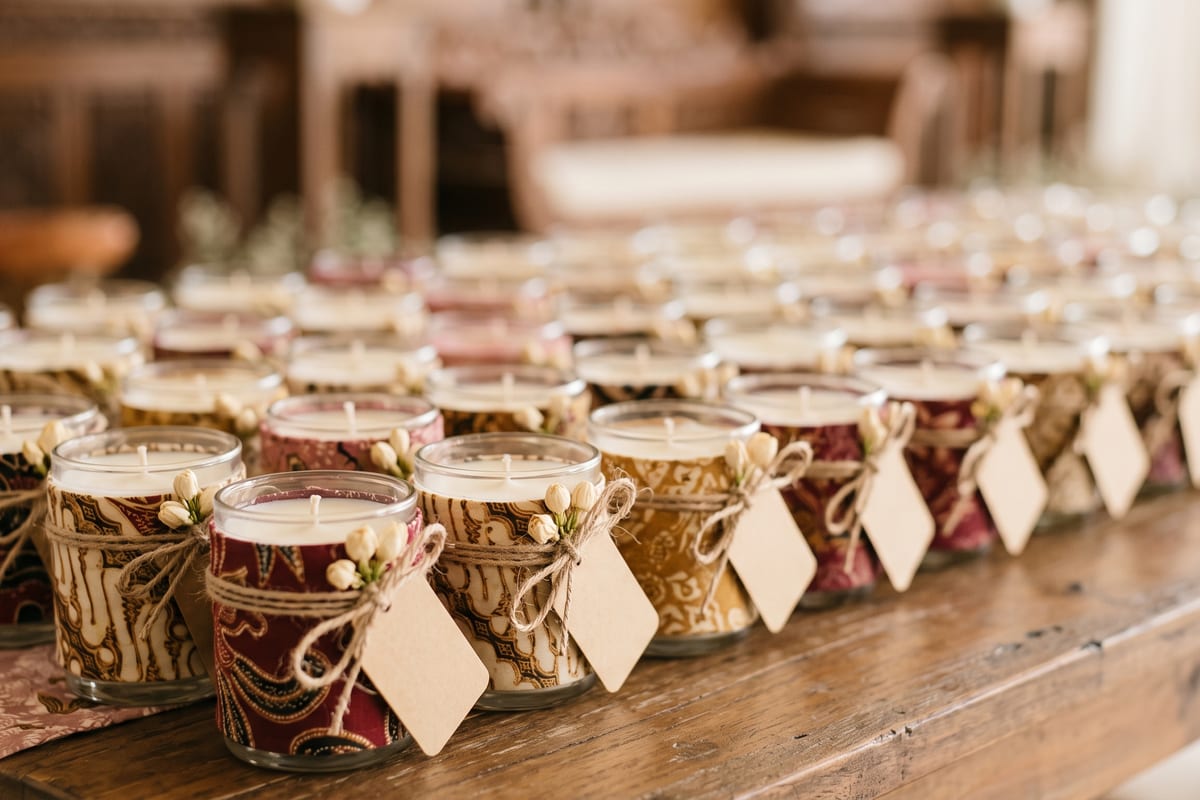
Batik Tumbler Set
Souvenir scanner
Stock tonight
Batik Tumbler Set
38 left of 60
Family
Scented Candle Jar
71 left of 120
Friends
Kopi Gayo Pouch
24 left of 40
Colleagues
QR pickup needs Venue Check-In on the same plan — without it there is no code to hand out, so pickup falls back to name lookup.
Nothing you do in this demo is saved.
Souvenir Management
How it works
The catalog
Stock, assigned and collected at a glance — with a warning before you run short.
Deciding who gets what
Set a souvenir per group, then change it for any single guest.
Handing them out
Scan the guest's code and see exactly what to hand over.
Or just ask their name
No code? Find them by name — it's the same record either way.
Souvenir Management
Everything it does
- Souvenir items with photos
- Stock quantity per item
- Assigned and collected counts per item
- A warning when you've assigned more than you have
- Add, edit, and remove items at any time
- Default souvenir per guest group
- Per-guest override
- Deliberate “none” kept distinct from “not decided”
- New guests inherit their group's rule automatically
- Guests moved between groups inherit correctly, with no backfill
- QR pickup from the guest's check-in confirmation
- Code reachable again from their personalized link
- In-dashboard scanner that works on any phone
- Audible confirmation the instant a code resolves
- Configurable how long a scan result stays on screen
- Name-lookup fallback at the table
- Picked-up state, time, and who released it, per guest
Included in Needs a plan that includes it. QR pickup also needs Venue Check-In.
See pricingKnow who's collected, all evening.
Set the catalog up before the day and let the desk scan.