
Digital wedding invitations
Digital Wedding Invitations, Made in Minutes
A digital wedding invitation is a small website you send by link instead of a card you print. Guests open it on the phone already in their hand — and, on Wedivo, RSVP from it, get directions, send a gift and check in on the day.
Free to start · No credit card · Sign in with Google
Before you start
Easy to try. Clear who's behind it.
Before you hand your wedding invitation to anyone, it's fair to want to know who you're dealing with. Here are the facts, and you can check every one of them.
A registered Indonesian company
PT. Wedivo Digital Solution in Purwokerto. Business number (NIB) 0810240004861, registered with Komdigi as an electronic system operator.
See the full company detailsPayments through Xendit
A payment provider licensed by Bank Indonesia. Pay by QRIS, bank transfer, e-wallet or card, and your payment details never reach us.
Pay once, no subscription
One plan covers one wedding. If money leaves your account but the plan never switches on, you get all of it back.
Read the refund policyLook first, sign up later
Every design opens on your phone without an account, and the full invitation is free: RSVP, wishes, gallery, map and music.
Browse the designs
Still unsure?
Ask us first, about a design, a plan, or paying.
What is a digital wedding invitation?
It is a web page of your own — names, date, venue, story, gallery, map — that lives at a link. You send the link over WhatsApp, Instagram or anywhere else, and it opens in the browser your guests already have. Nothing to install, nothing to download, nothing to print.
Because it is a page rather than a picture, it can do things paper cannot: hold a map that opens the real navigation app, take an RSVP and count it, play music, show a countdown, and change after you have sent it. Move the reception an hour and every invitation you already sent is correct — no reprint, no correction broadcast.
Printed card
Digital invitation
Costs per guest — 300 guests means 300 cards
One price whatever the guest count
Locked the moment it is printed
Edit after sending; every link updates
Delivered by hand or by post
Sent by link, delivered instantly
RSVPs chased through WhatsApp
RSVPs answered on the invitation and counted
A keepsake you can hold
A page, plus everything that runs off it
How to make one
Four steps, and the first is a sentence.
- 01
Describe the wedding
Say it the way you would say it to a designer — “romantic dark rose with floral animation”, “modern minimalist white and gold”, “traditional Javanese batik”. Or skip this and pick a finished design from the catalogue.
- 02
Fill in your details
Names, date, venue and photos go into Couple Details once, and every design reads them live — the invitation, the greeting screen and the share preview fill in together. The rest, like your love story, sits in the invitation's own fields.
- 03
Add your guests
Import contacts or type them in. Each guest gets their own link that greets them by name — and the RSVP that comes back is attached to that guest, not to an anonymous form.
- 04
Send the link
Share it on WhatsApp. What comes back — who is coming, how many, what they wrote — lands in your guest list, ready for seating, check-in and souvenirs.
Design catalogue
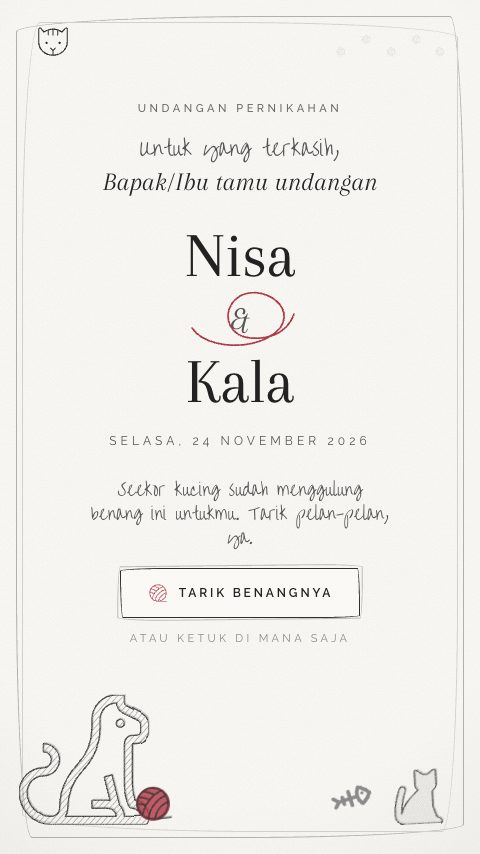
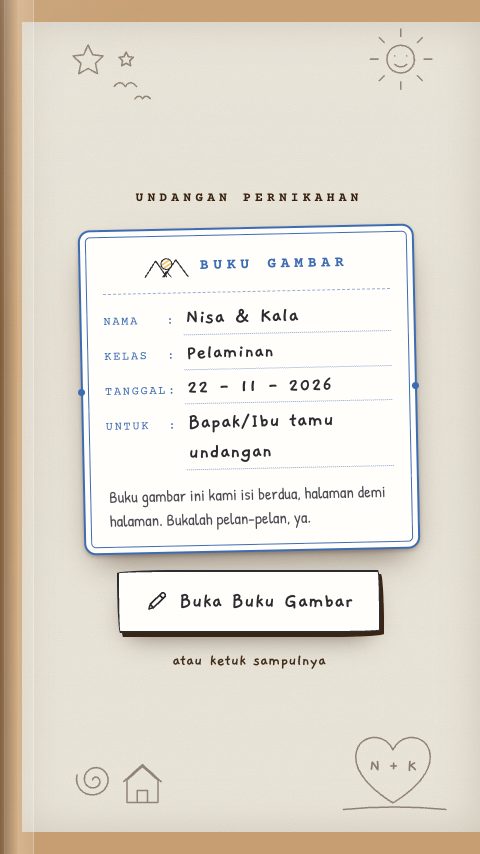
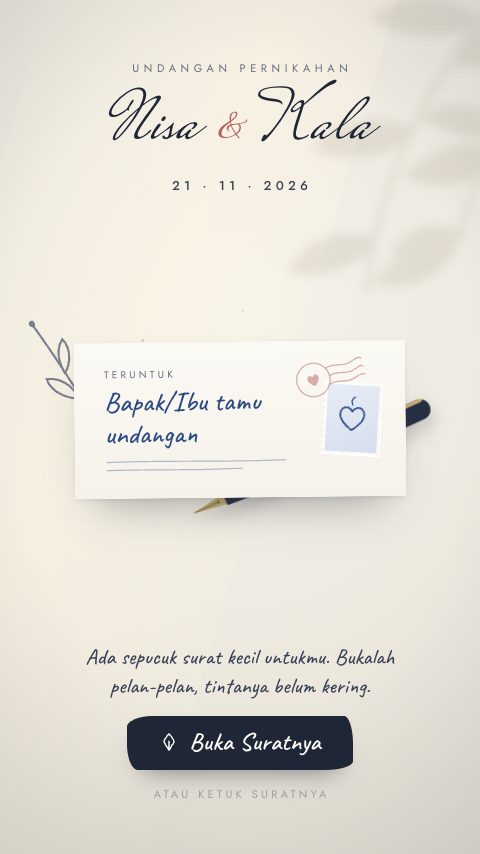
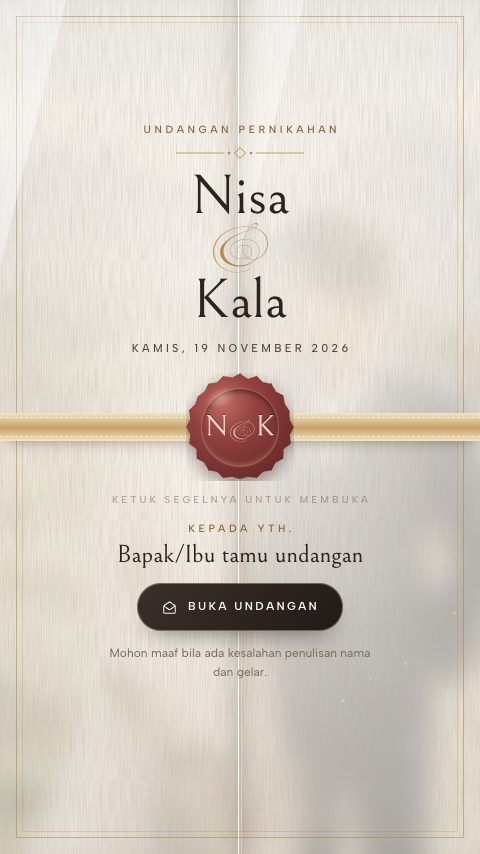
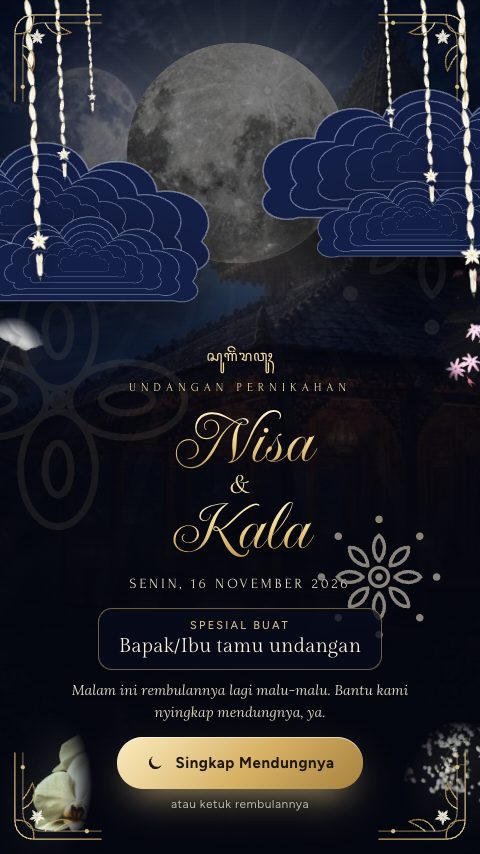
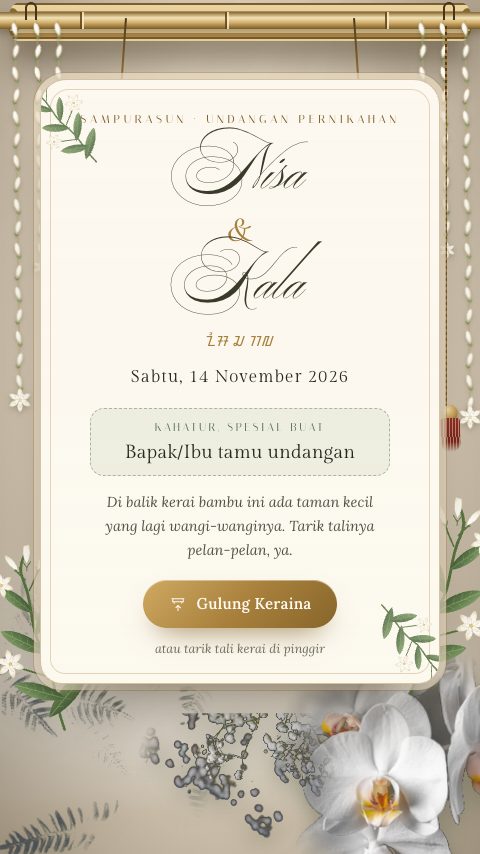
The invitation is the front door
Most digital invitations stop at the page. The reason to run yours here is what happens after the link is sent — all of it reading from one guest list.
Common questions
How much does a digital wedding invitation cost?
You can publish one free — a real invitation on a real link, with a small Wedivo badge at the foot of it. Paid plans remove the badge and unlock the day-of tools; the current prices are on the pricing section of the home page and are the same whether you have 50 guests or 500.
Is there a free digital invitation?
Yes. The free plan publishes a working invitation with your names, date, venue, map, gallery and RSVP. It is not a trial that expires — it is the free tier.
How long does it take to make?
Generating a design takes a few minutes and runs in the background. Filling in your details and guest list is the part that takes real time — most couples publish the same day they start.
Do my guests need to install an app?
No. It is a website. They tap the link and it opens in the browser already on their phone — Android, iPhone, or a laptop.
Can I still change it after I have sent the link?
Yes, and this is the main advantage over print. The link stays the same and the page updates. Change the venue at midnight and every guest who opens the invitation afterwards sees the new one.
Can I use my own design?
Yes. Describe what you want and the AI builds it, then edit any element by hand — or open the raw HTML, CSS and JavaScript and change it directly. You are not confined to a template gallery.
Does it handle RSVPs and the guest list?
Yes. Each guest gets a personalised link, their reply attaches to their name, and the counts feed the seating chart, the QR check-in at the venue and the souvenir handout — without you retyping anything into a spreadsheet.
Start with the invitation. Keep the rest.
Publish a free invitation today and see what the guest list does for you.
Free to start · No credit card · Sign in with Google